01IMAGE TO VIDEO
Bring every photo to life
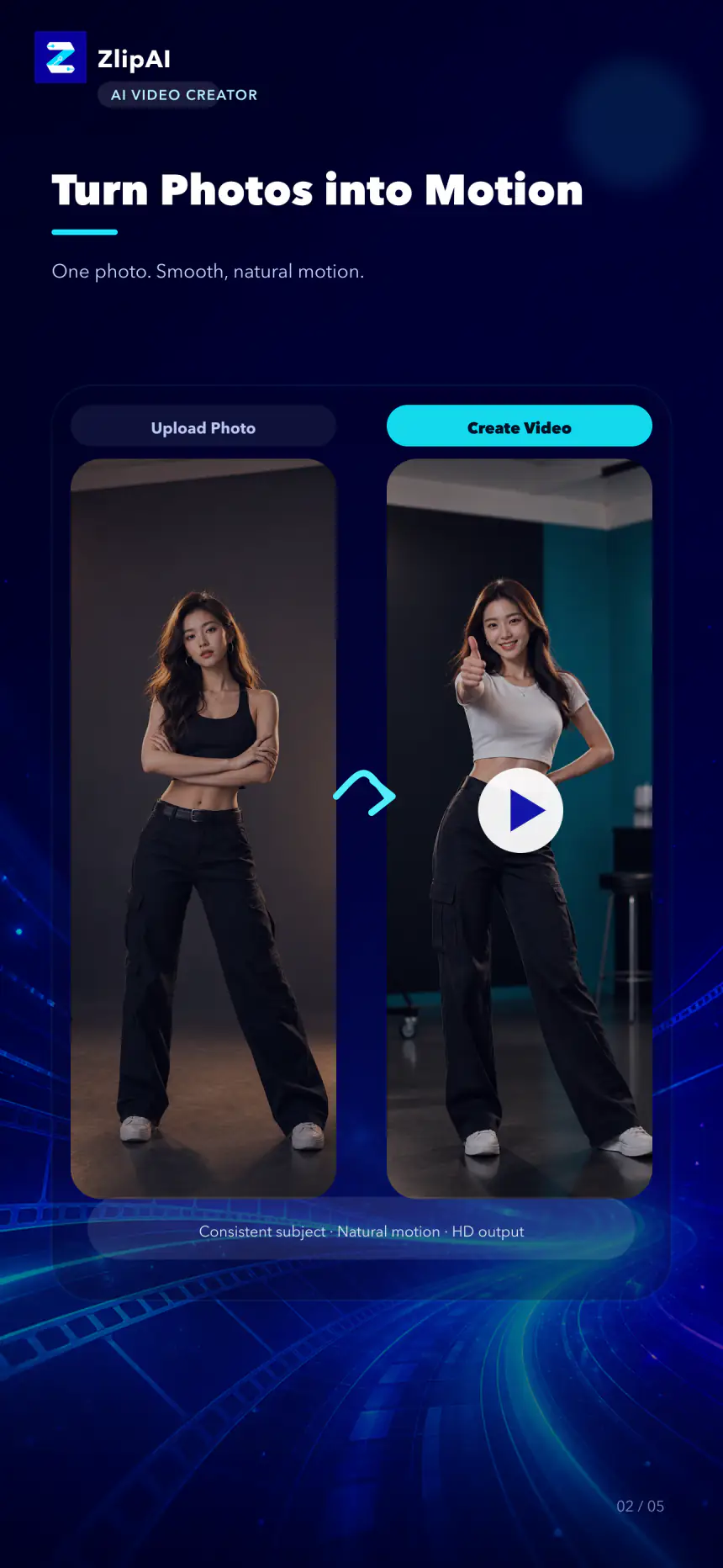
Upload one image and let AI understand the subject, depth, and motion to turn a still frame into a seamless shot.
 ZlipAIAI VIDEO STUDIO
The next generation of AI video creation
From one image to a complete story. ZlipAI turns your ideas, characters, and visuals into vivid videos in moments.
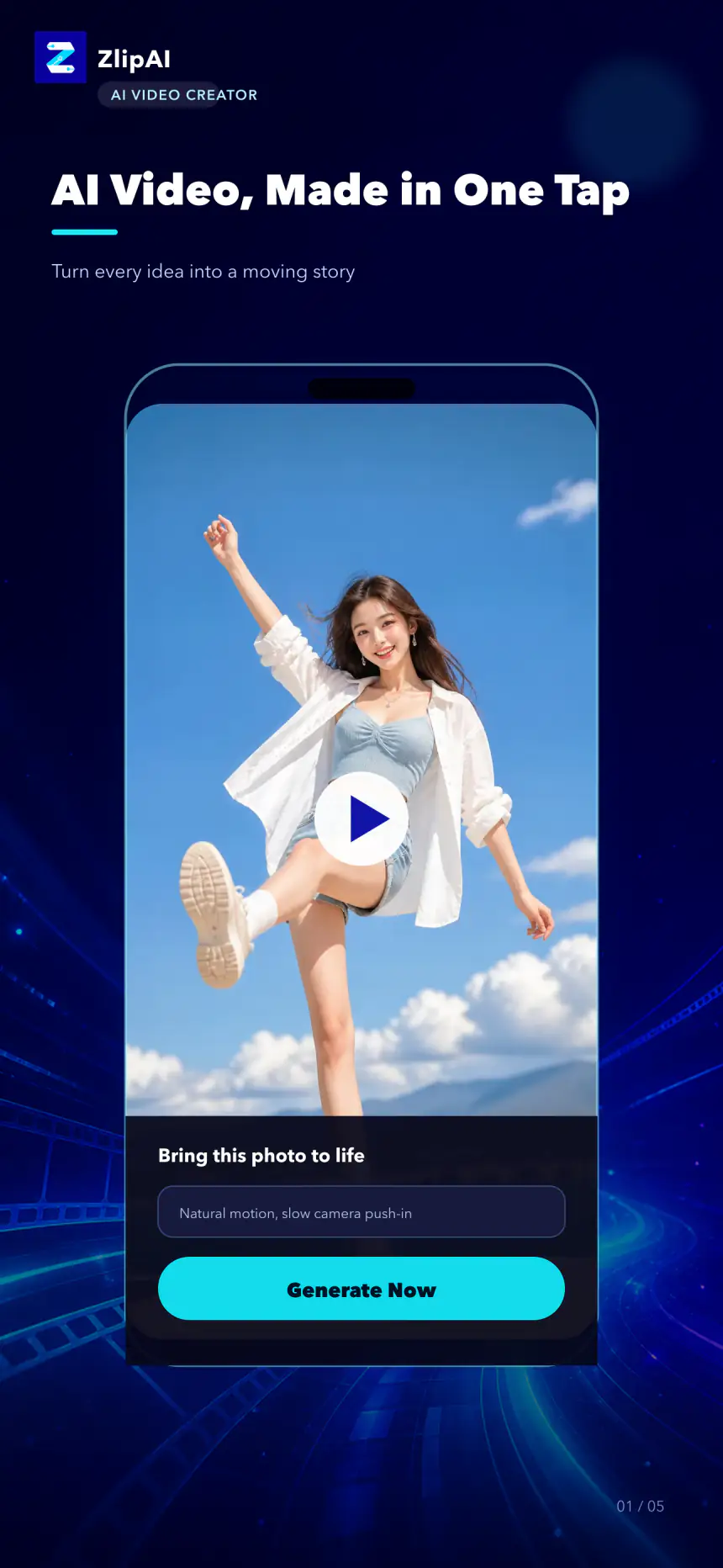
Start creating with one image
Natural motion, consistent subjects
Go from idea to finished video fast
More than one way to create
Upload one image and let AI understand the subject, depth, and motion to turn a still frame into a seamless shot.
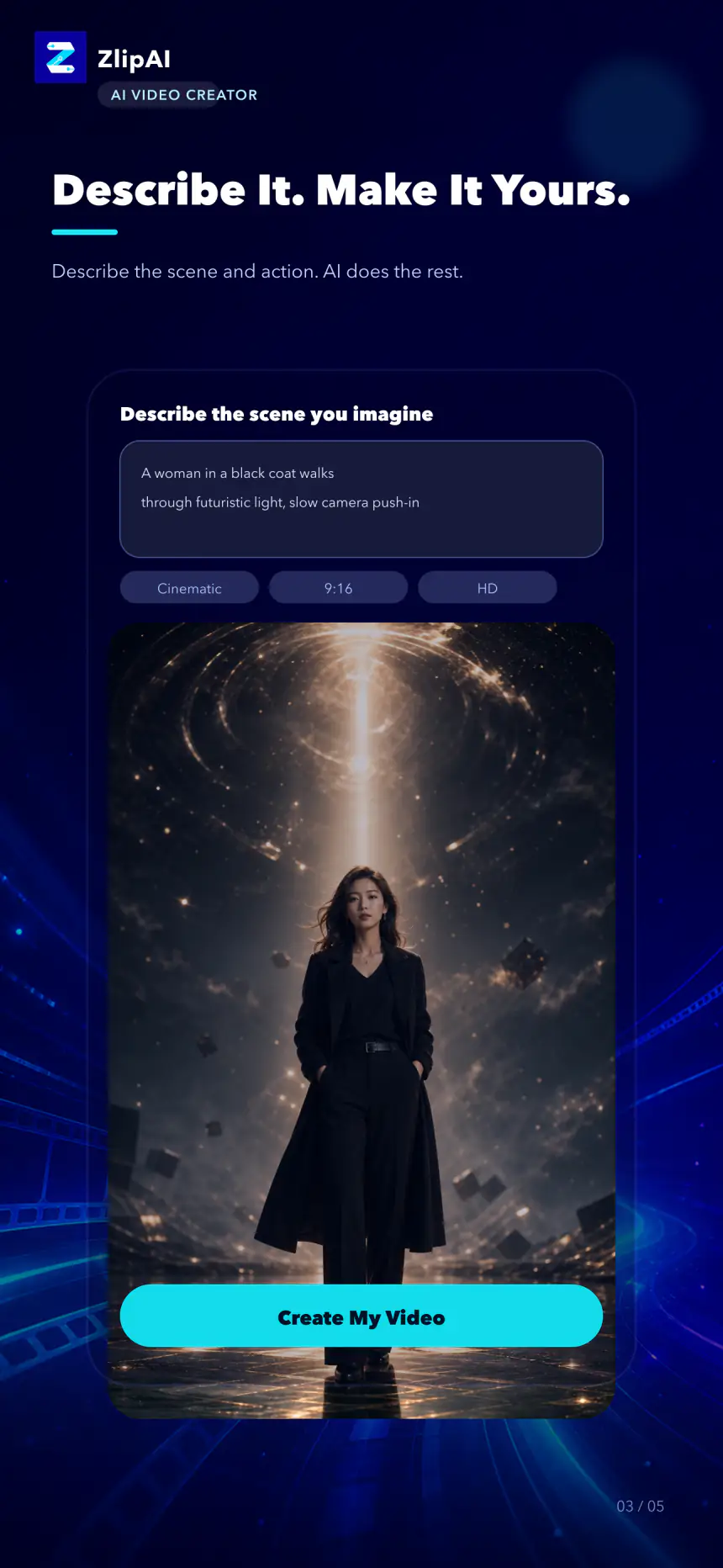
Describe the character, scene, and action, then watch your words become a vivid video.
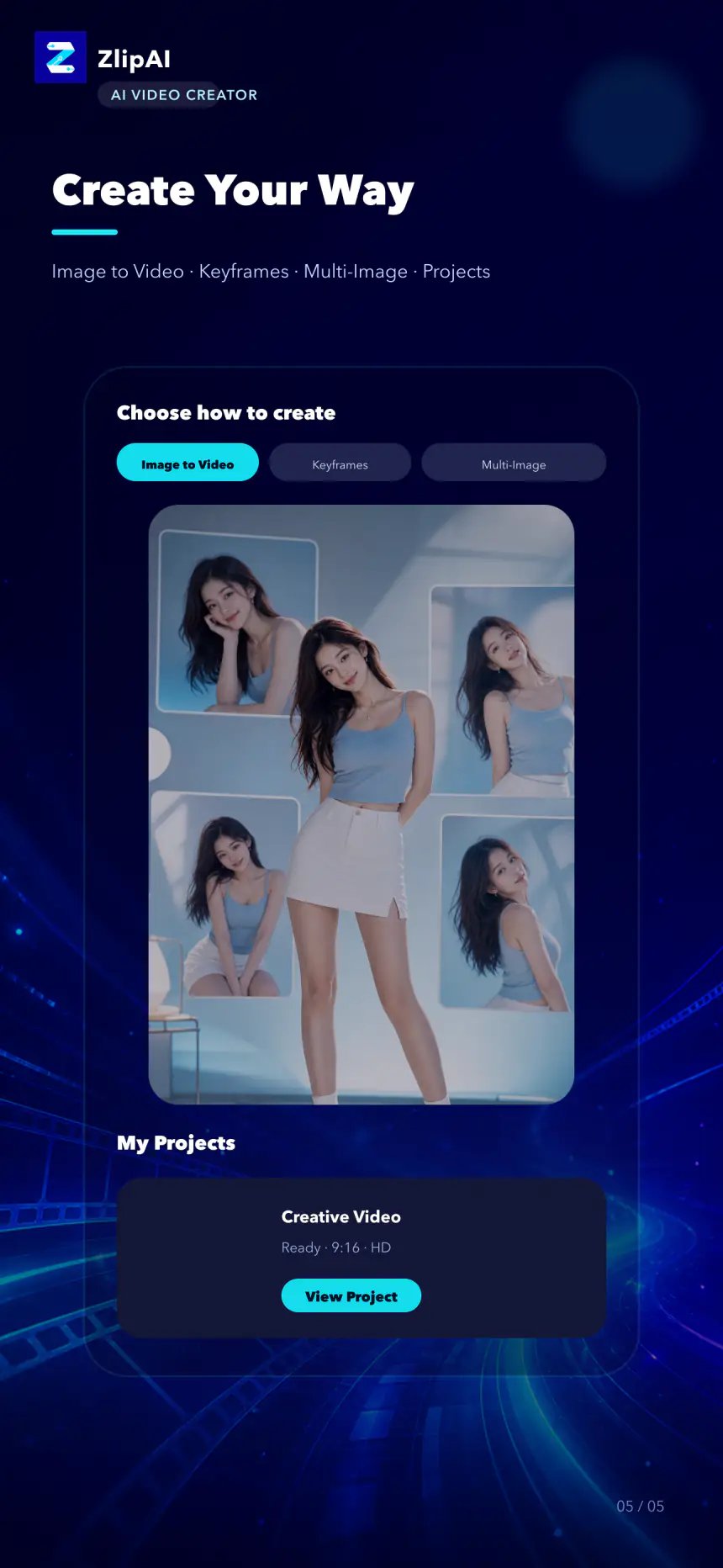
Switch between image-to-video, start and end frames, multi-image references, and project management.
One studio. Every step.
Choose your media, describe your idea, and set the aspect ratio and quality. ZlipAI handles the rest while you stay in control.
Three simple steps
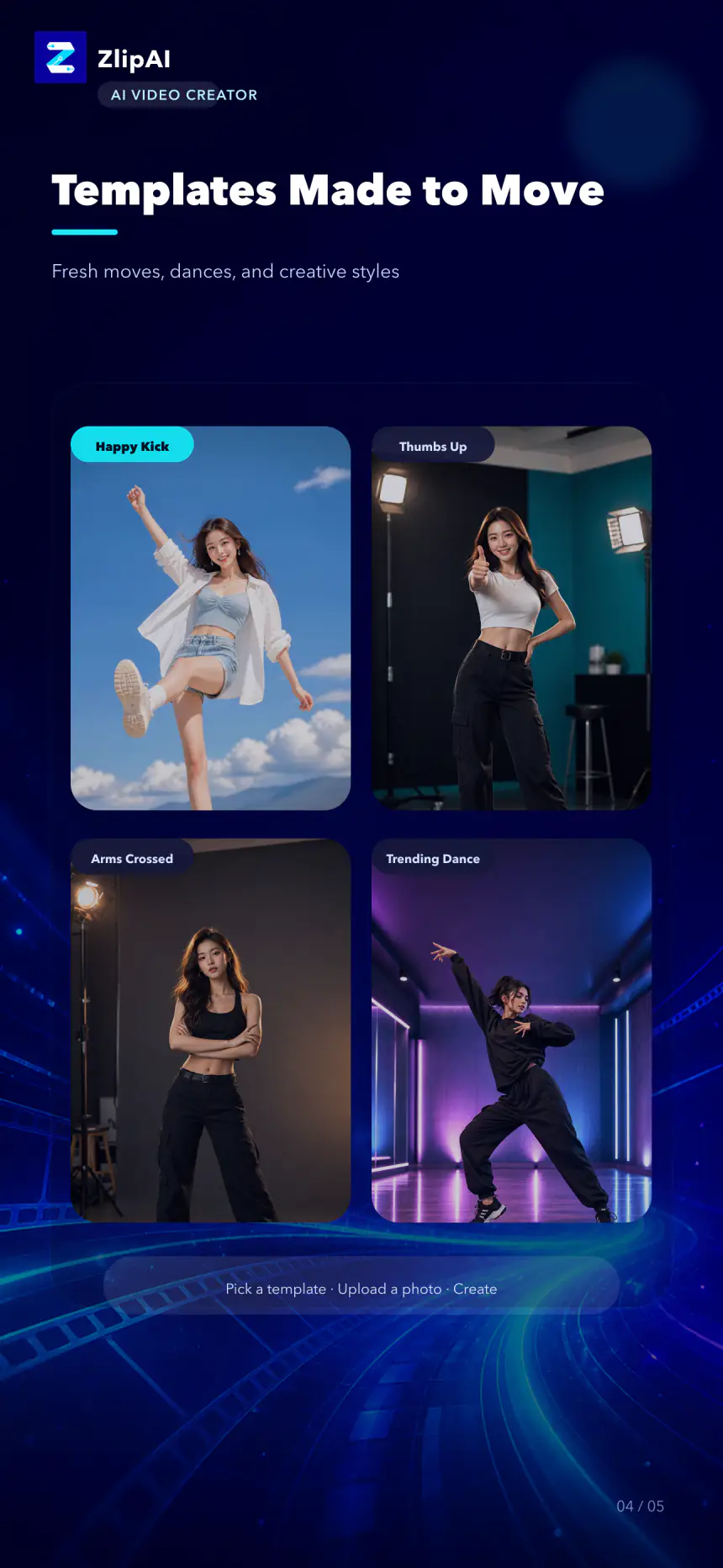
Start with an image, a prompt, a reference, or a template.
Define the action, mood, camera direction, and aspect ratio.
Let AI create your video, then save and share the result.
YOUR NEXT FRAME IS READY